
Table of Contents
If you use LinkedIn to share your expertise, meet people or find clients, there are some new LinkedIn features worth knowing about.
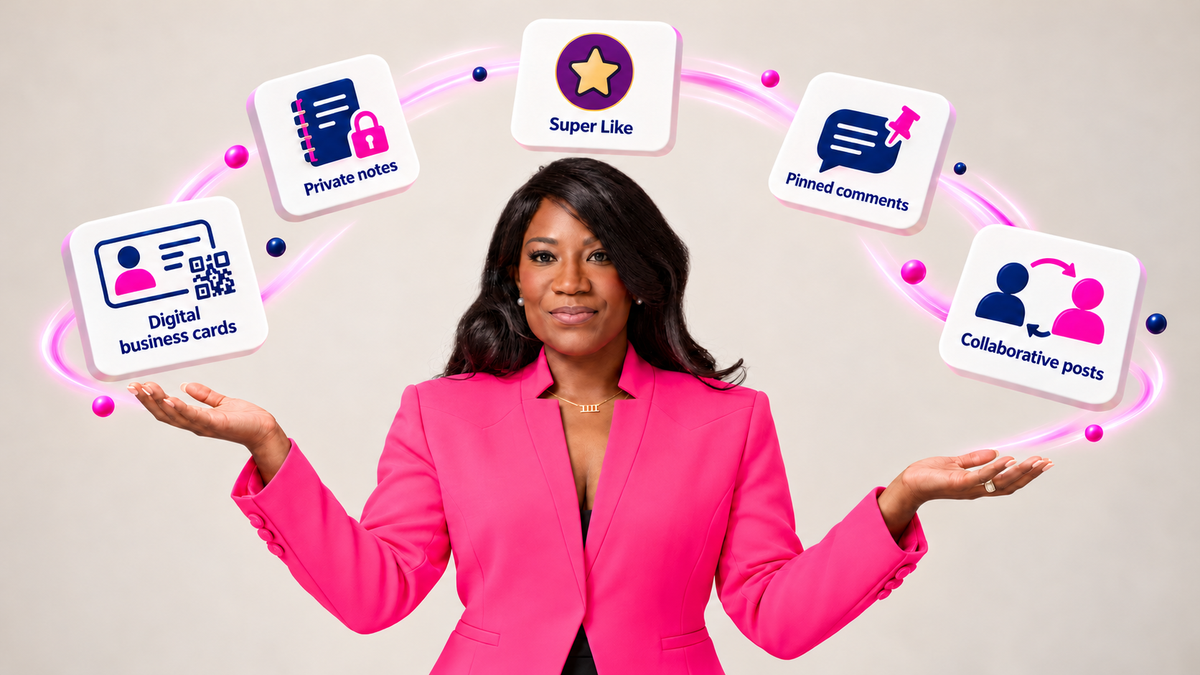
I’ve picked six new LinkedIn features with practical uses, a bonus on video, and a few more tools I’m exploring since upgrading to Premium All-in-One. Some are still rolling out, so you may not see everything in your account yet. You may also have spotted Super Likes, a new reaction only Premium members can give. It’s a nice way to show a post really landed with you, though I’m keeping this guide to the tools with more practical uses.
LinkedIn passed 1.3 billion members, and engagement keeps climbing. For you, that means real reach is available, if you use the right tools with a clear purpose.
Digital business cards: Make connecting easier
This is one I’m particularly looking forward to. LinkedIn has announced personalised digital business cards you can add to your phone’s digital wallet, available to all members without a Premium subscription. They’re rolling out globally over the coming months.
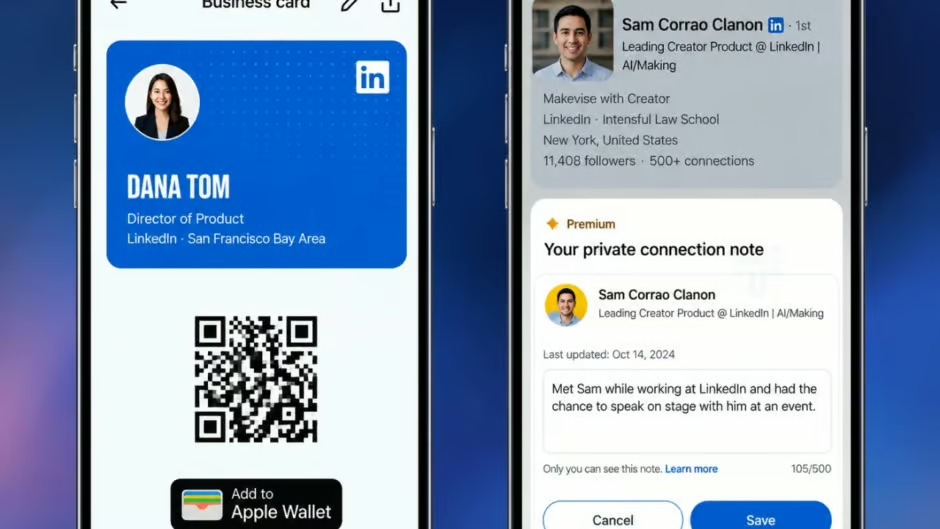
Don’t have yours yet? Use your existing LinkedIn QR code. Open the mobile app, tap the QR icon in the search bar and select “My code”. Someone scans it and finds your profile instantly.
Private profile notes: Remember the person
I love the networking potential of this one. Premium subscribers can add private notes to profiles to remember where they met someone, what they discussed and when to reconnect.
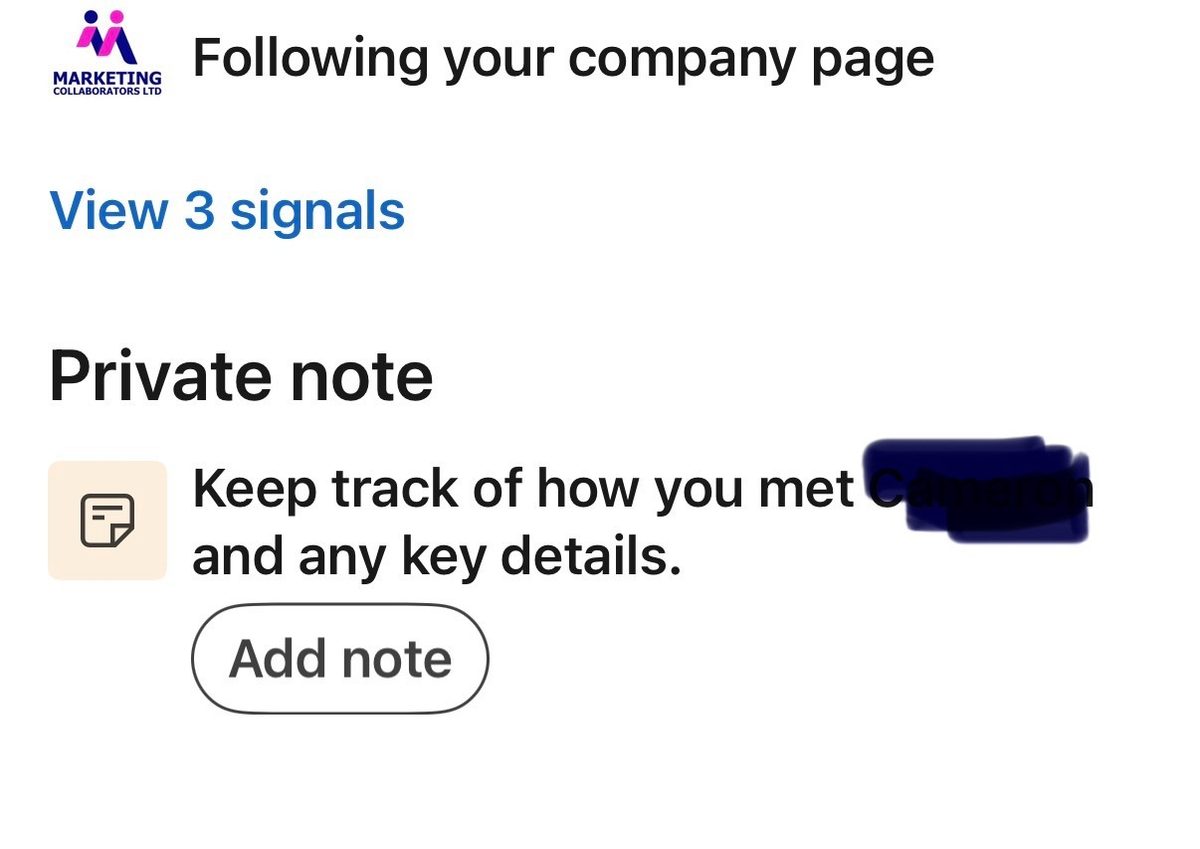
When I clicked into a note, I found a nice little extra. With Premium All-in-One, you can now see key signals about that prospect alongside your note, and draft a message to them straight from there. That’s really handy: your context, their latest signals and the follow-up all sit in one place. These used to be Sales Navigator features, so if you want to prospect without paying for Sales Navigator, you can now do a good chunk of it within Premium All-in-One.
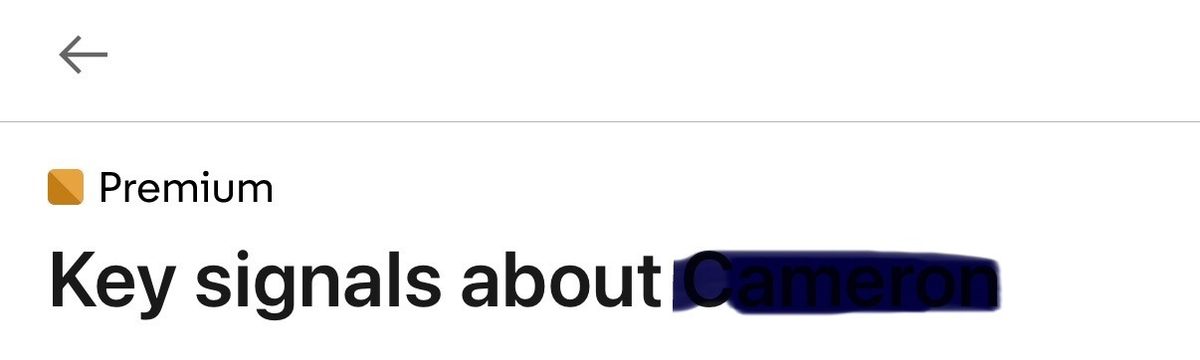
Think about the people you meet at conferences, workshops or local networking events. A small reminder makes your next conversation much more personal. One caution: keep notes respectful and factual, as you would with any record about a real person.
The new content dashboard: Get organised
The new dashboard brings drafts, scheduled posts, published posts and analytics together in one place. It’s rolling out globally.
This makes it easier to track your ideas and review whether your content reflects what you want to be known for. The effort pays off. Personal profiles earn eight times more engagement than company pages, and around 1% of LinkedIn users post weekly. Consistent posting puts you in a small, visible group.
Pinned comments: Keep the best answers visible
LinkedIn has brought back pinned comments this month. You can pin your own comment or someone else’s to the top of the discussion on your post, so it stays visible as more replies come in.
Here’s where it earns its place. Someone asks a question about your service, and your answer would help others too. Pin that exchange, and the next person reading the post finds it straight away instead of scrolling past forty replies.
Collaborative posts: Share your expertise together
Collaborative posts let you publish one post jointly with up to five other members or Company Pages. You’ll find an “Add collaborators” option in the post composer. Each person you invite gets a notification, and once they accept, their name appears at the top of the post and it shows up on their profile or Page too. So a single post lands in front of every collaborator’s network at once. LinkedIn is still rolling it out gradually, so if you can’t see the option yet, your account just hasn’t got access.
This works best when a story is stronger told from both sides. Co-write a post with a client about a project you delivered together, team up with a fellow speaker after an event, or share a tip with a complementary business, like a copywriter and a designer. It supports text, images, video, documents, polls and events, so you can stick with the formats you already use. Two practical points: the post has to be public, and only the person who creates it can edit it or change who’s on it, so agree the wording before you hit publish.
Prospect recommendations: Find the right people
This one comes with Premium All-in-One, and it’s the tool I’m most curious about. LinkedIn suggests 15 potential clients each day, based on the criteria you set and your activity. You can adjust those criteria as you learn who’s a good fit.
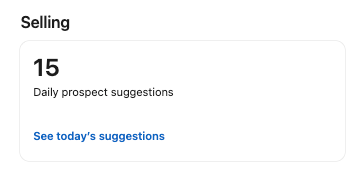
The value is a daily shortlist. You get a handful of names to review, save and get to know through their posts, so prospecting becomes a small daily habit.
Bonus: The video feed is back
LinkedIn has been bringing back its dedicated video feed, starting with the UK, Canada and Australia, so it may not show in your app yet. It’s a full-screen, swipeable feed, and vertical video gets a distribution boost that can carry your clips beyond your existing followers.
If you’ve been thinking about jumping on the video bandwagon, now’s the time. Let’s be honest, though: as more people pile in, reach per video has dropped, so treat it as an experiment rather than your whole strategy.
Try this: Record one short vertical clip answering a question a client asked you this month. Keep it under a minute and add captions.
What I’m exploring with Premium All-in-One

I’ve recently upgraded to Premium All-in-One. Alongside prospect recommendations, these tools are worth understanding if you’re building business relationships:
- Saved prospects: keep a shortlist of people you want to get to know.
- Prospect content: a curated view of posts from relevant prospects, helping you find conversations to contribute to.
- Post boosting: promote a post as an advert to test paid visibility.
- Automatic follow invitations: invite people who engage with your content to follow you. Check your account’s invitation settings first.
- InMail: contact people outside your network when you have a relevant reason to reach out. InMail messages get a 10 to 25% response rate, roughly 300% higher than typical cold emails.
Try this: Pick three people from your saved prospects. Read their posts and contribute where you have something useful to add. Build familiarity before pitching.
Choose one place to start
A new feature earns its place when it removes a friction you actually feel and fits what you can realistically sustain. Pick one that supports something you want to improve: following up, sharing your expertise or meeting relevant people. Use it consistently, keep your own judgement in the loop, and let that single step do its work.
Fancy trying Premium?
I have 20 referrals available for two free months of Premium Career, subject to remaining availability and LinkedIn’s eligibility terms. Message me if you’d like one.
This differs from my Premium All-in-One subscription and excludes the business tools above. Check the included features, renewal price and cancellation terms before redeeming.
With love,
Sidi
Your On-Demand Marketer